
Usage Dashboard
Track how many minutes your Digital Workers use and estimate costs.Accessing Usage
- Click Billing in navigation
- Select Usage
Dashboard Metrics
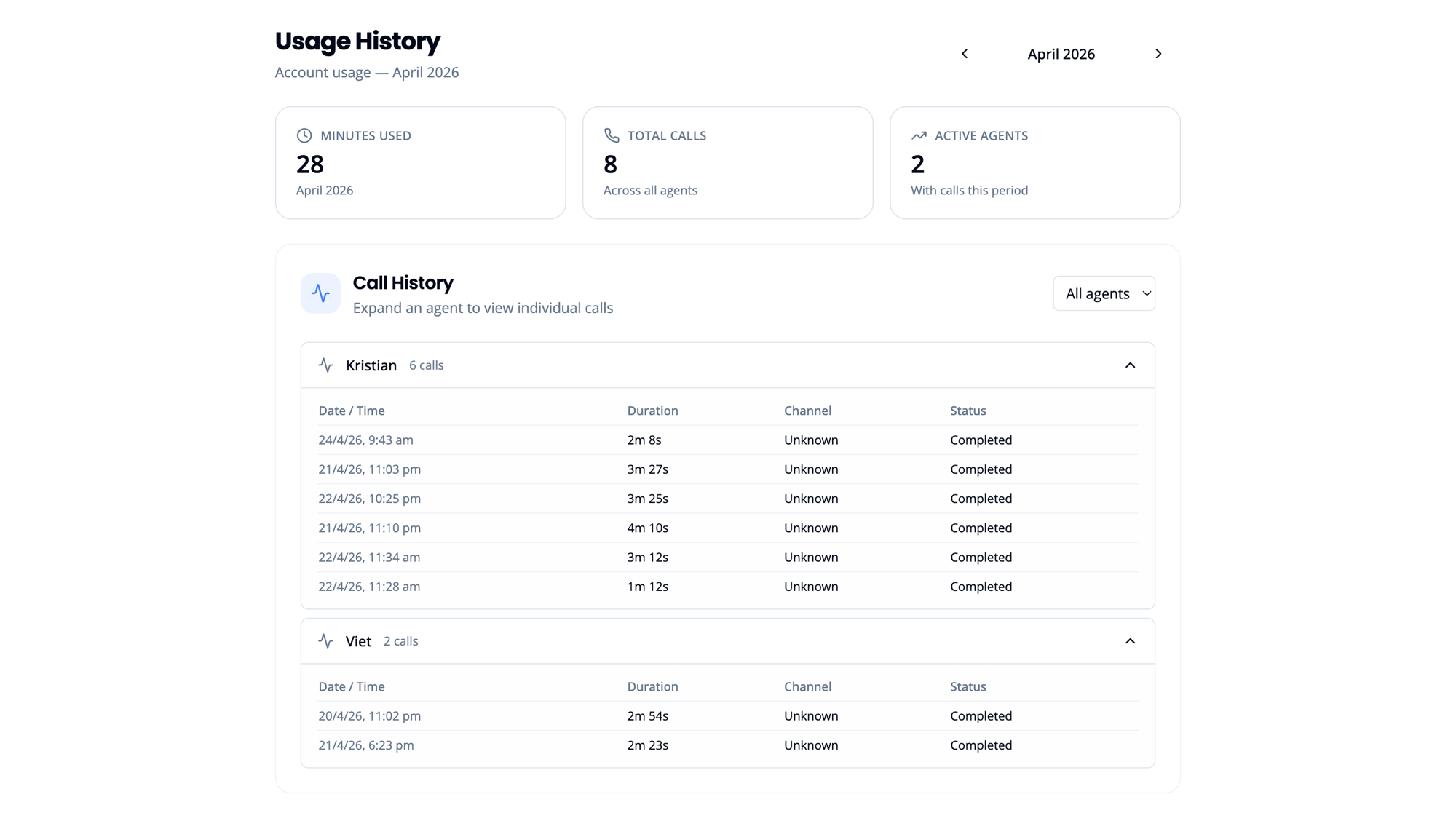 The top of the Usage page shows three summary cards for the current billing period:
| Metric | Description |
|---|---|
| Minutes Used | Total minutes consumed this billing cycle |
| Total Calls | Number of calls handled across all agents |
| Active Agents | Agents with at least one call this period |
Related
- Monitoring an Active Worker: Per-worker performance metrics
- Plans & Pricing
- Managing Invoices